
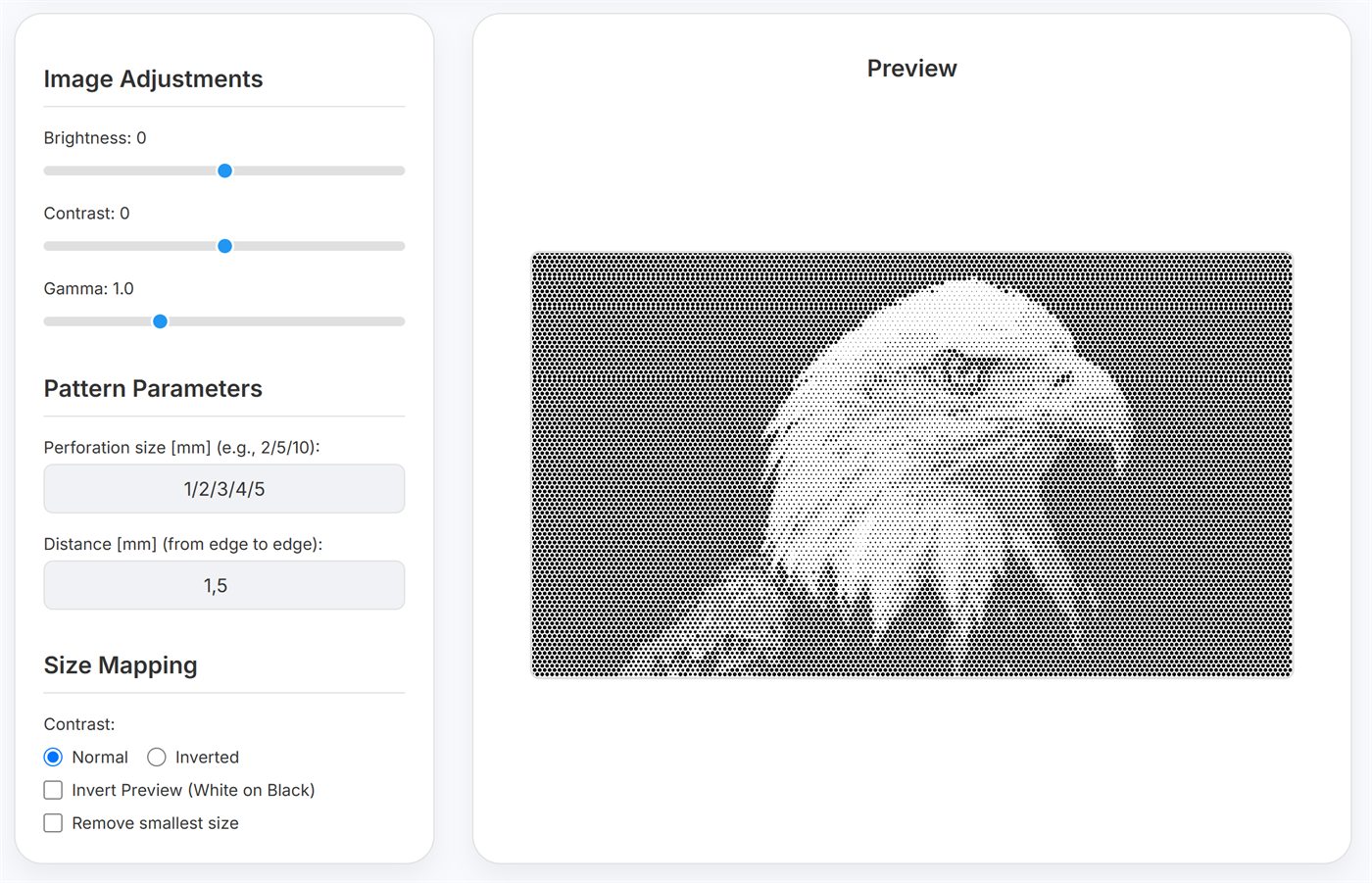
From a picture to perforated metal, without drawing a single hole
Reproducing a photograph or a logo in perforation means thousands of holes in different diameters. Placing them by hand in CAD is not realistic work. Perforation Generator reads the brightness of every part of the image and picks the hole size for it: bright areas become large holes, dark areas small ones or none at all. You save the result as a vector SVG and convert it to DWG in your CAD for the cutter.
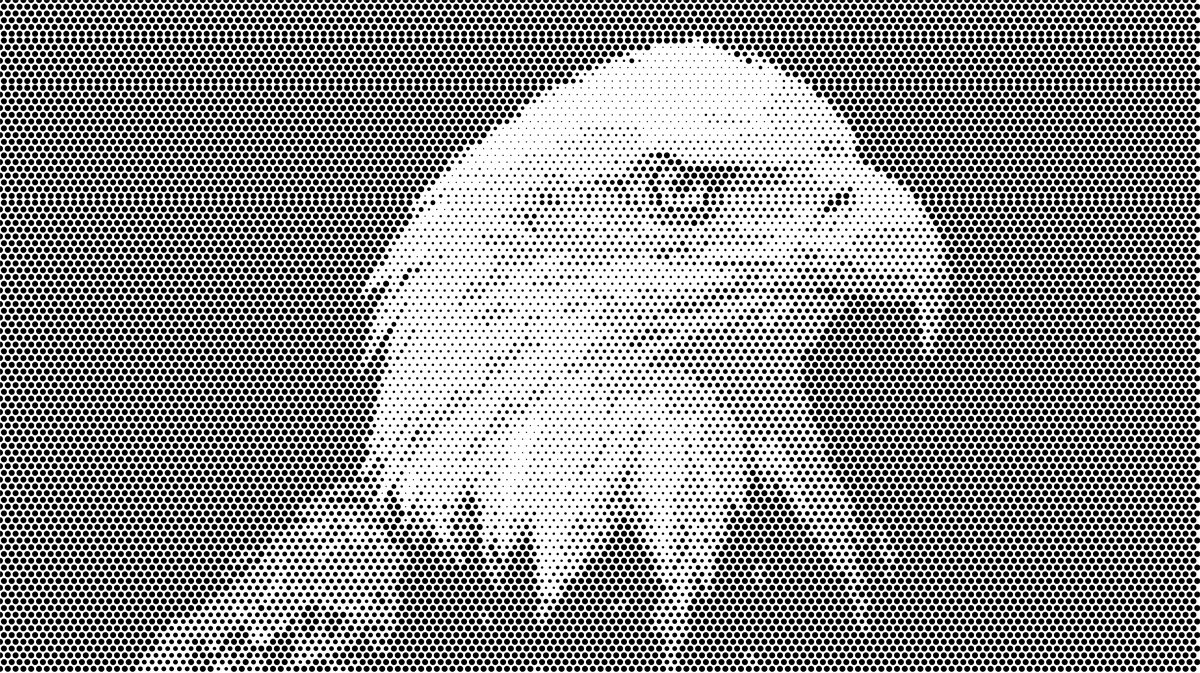
A photo with strong contrast turns into a recognisable image made purely of holes, the kind of thing that works on gates, fencing and façades. Hexagonal grid, holes from 1 to 5 mm.
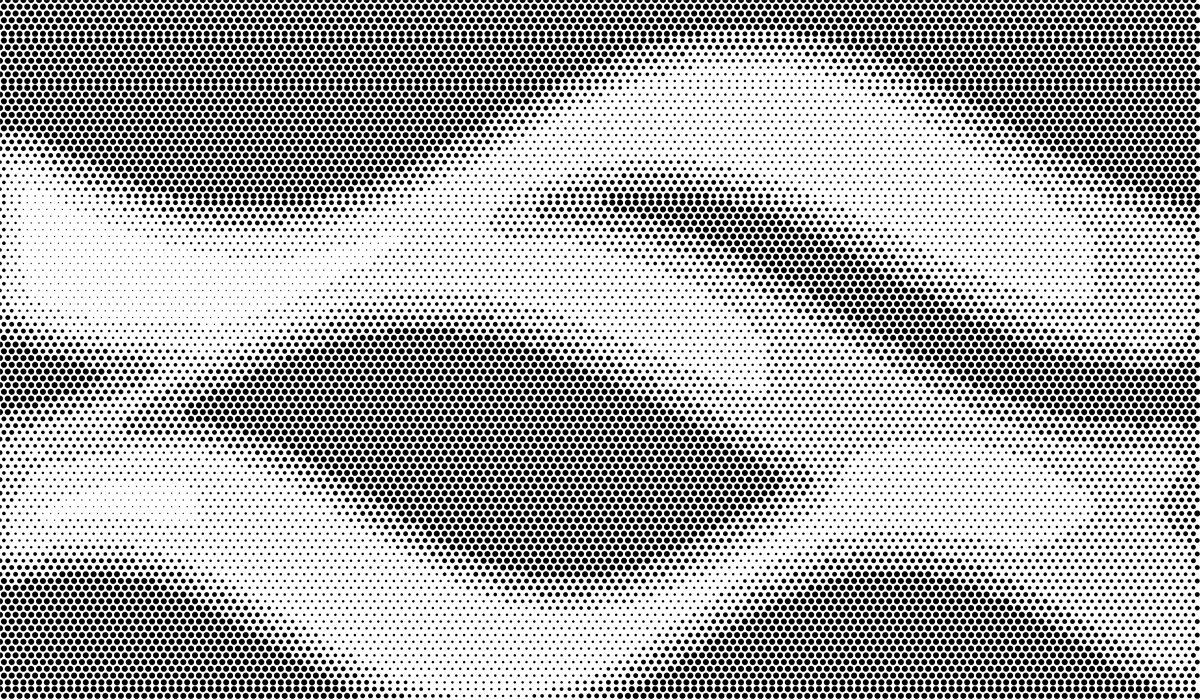
Soft tonal transitions produce a flowing arrangement of holes that reads well across large façades and decorative walls.
Full control over the pattern, one click to SVG
Hole size follows brightness
You give it a set of diameters, for example 3/4/5/6 mm, and the program assigns them to the pixels. The contrast can be inverted.
Shapes and grids
Round or square holes; rectangular, hexagonal or 30° offset grid.
Smooth fade
The pattern can fade out towards the left, right, top or bottom, for a transition at the edge of a panel.
Image correction
Brightness, contrast and gamma sliders tune the image before it becomes holes. Live preview as you move them.
Exact dimensions in mm
Set the target width and height of the panel with proportions locked. The SVG carries real millimetre dimensions.
SVG export to CAD
Open the vector SVG in your CAD system and save it as DWG for a laser or plasma cutter.
Four steps, from a photograph to a file for the cutter
Load the image and set the target panel size in millimetres.
Choose the hole shape, the grid, the diameters and the spacing.
Tune brightness, contrast and gamma while watching the live preview.
Export the SVG and save it as DWG in your CAD for the cutter.
One subscription, full access.
Try the program free for 14 days: everything works except saving the result. After that it runs on a subscription you can cancel whenever you like.
Requirements: Windows 10 or 11 (64 bit), internet at activation and at least once every 72 hours. Reads images (e.g. JPG, PNG), saves vector SVG.
A good image makes a good pattern
The best results come from images with clear contrast and a simple composition. Very fine detail can disappear once the holes get larger, so it is worth checking the preview and matching the diameters and spacing to the scale of the panel before you send the file to the cutter. The program is installed on your computer and currently runs on Windows only.
Turn an image into perforation
EUR 20.00 per month, excluding VAT (added based on your country). Vector SVG export, ready for CAD.
Subscribe